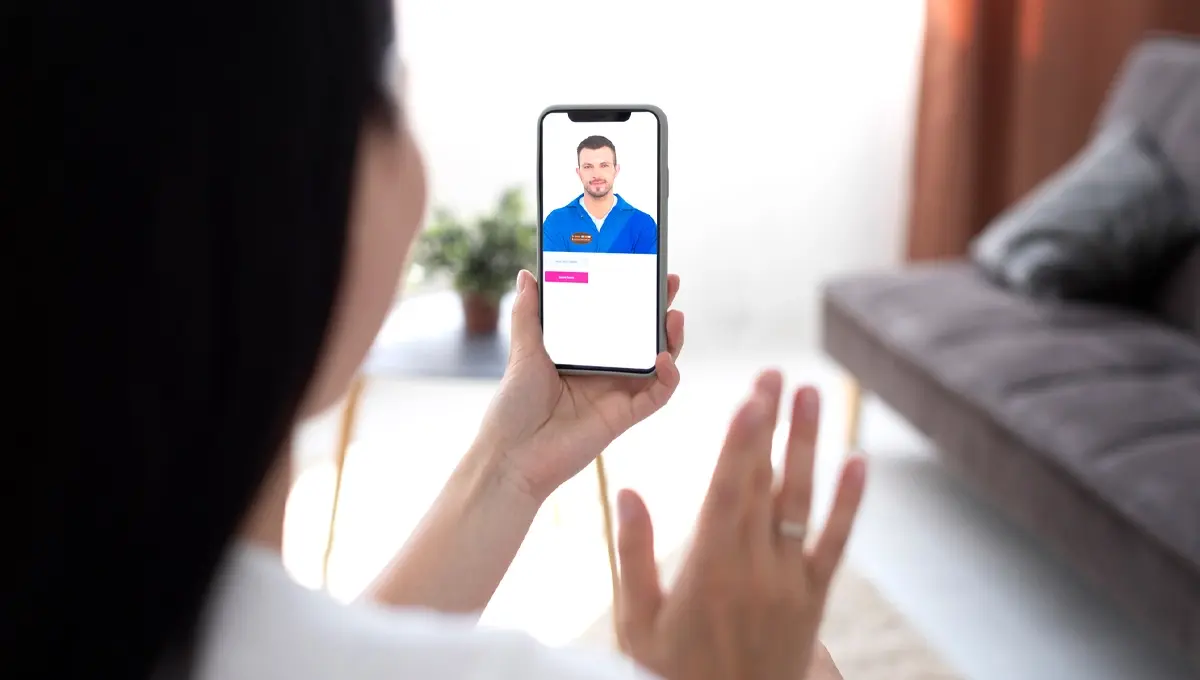
You have some time before your visit, so this is a great chance to make sure everything will go smoothly.
Here’s a quick checklist:
1. Use Chrome or Safari
These two browsers work best with our video platform. If your phone opens links in a different browser
(like Samsung Internet or DuckDuckGo), you may want to set Chrome or Safari as your default ahead of
time — or just copy and paste the link into Chrome or Safari when the time comes.
2. Make sure your camera and microphone are allowed
Your browser needs permission to use your camera and mic. The easiest way to check is to open your
browser settings now and confirm they’re set to “Allow” or “Ask” (not “Deny”). We have step-by-step
links for each phone type at the bottom of this page.
This is the number one reason customers have trouble connecting, so checking this ahead of time really
helps.
3. Find a good spot near your furniture
When it’s time for your visit, try to be in a well-lit area near the furniture item. Natural light or a room light
works great. The better we can see the item, the faster we can figure out what’s going on.
4. Have a stable internet connection
WiFi usually works well, but if your video is choppy or won’t connect, switching to cellular data (turning
WiFi off) is a quick fix that works more often than you might think.